
The app and AnkiDroid
On this phone, the cards go into AnkiDroid, Anki’s free app for Android: no .apkg, no
computer, no sync to wait for.
The first time
Section titled “The first time”- Install AnkiDroid from Google Play, if it isn’t there: the app opens its page when it is missing.
- Open AnkiDroid once, so that it creates its collection.
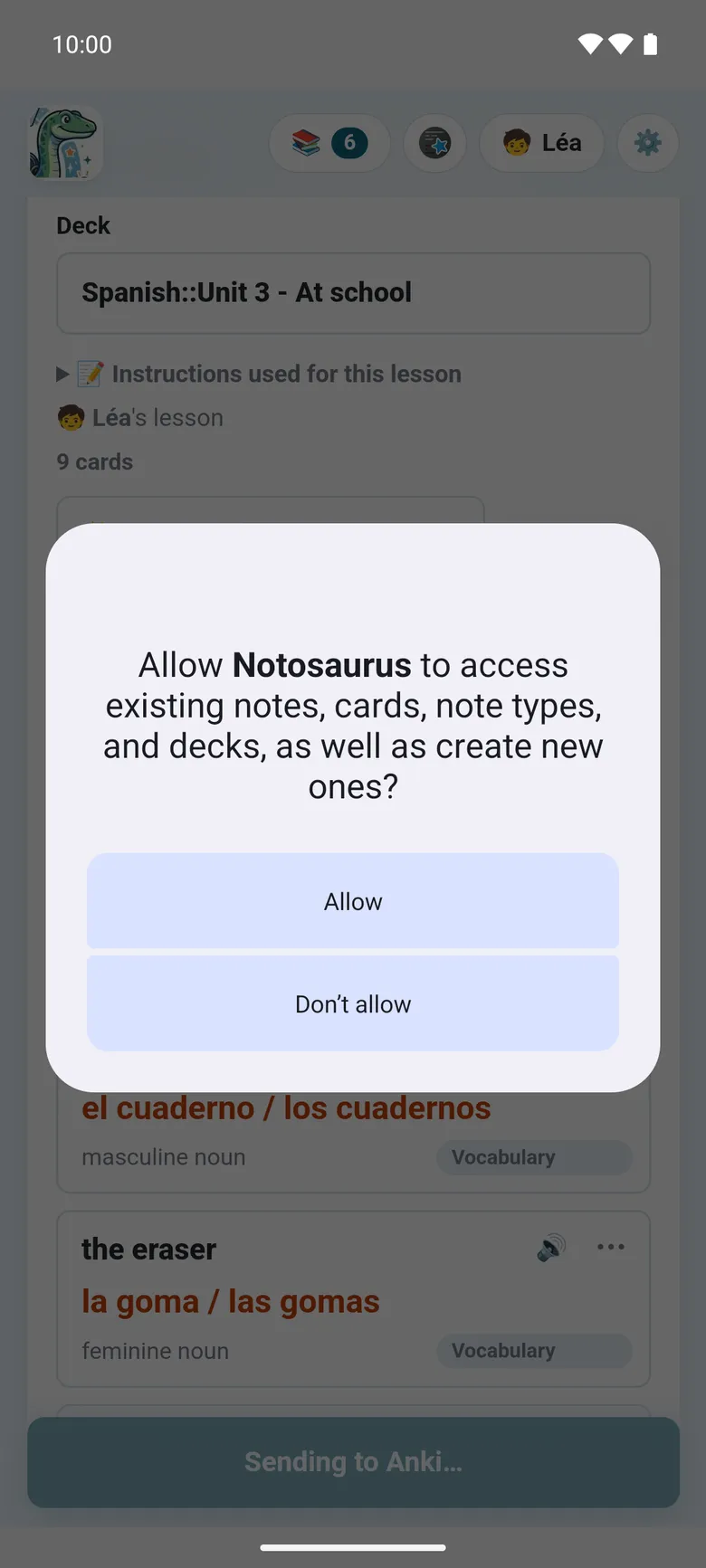
- At the first 📥 Add to Anki, AnkiDroid asks whether Notosaurus may add cards to it (AnkiDroid’s own dialog): allow it.
📥 AnkiDroid, in the app’s settings, says where things stand: ✓ AnkiDroid is installed and Notosaurus may add cards to it, or a button to Install AnkiDroid or to Allow.
Sending the cards
Section titled “Sending the cards”📥 Add to Anki writes the cards into AnkiDroid, in the lesson’s deck, with their sounds and pictures. As on the computer:
- Sent again, a lesson updates its cards instead of duplicating them, and their review history stays.
- Cards deleted from the lesson stay in AnkiDroid: after the send, the app lists them and offers to delete them (with their review history), never without asking.
- Deleting a lesson offers to delete its cards in AnkiDroid too.
AnkiDroid syncs the cards with AnkiWeb as usual, if it is logged in to an account: they then reach Anki on a computer, or another phone.
Opening AnkiDroid
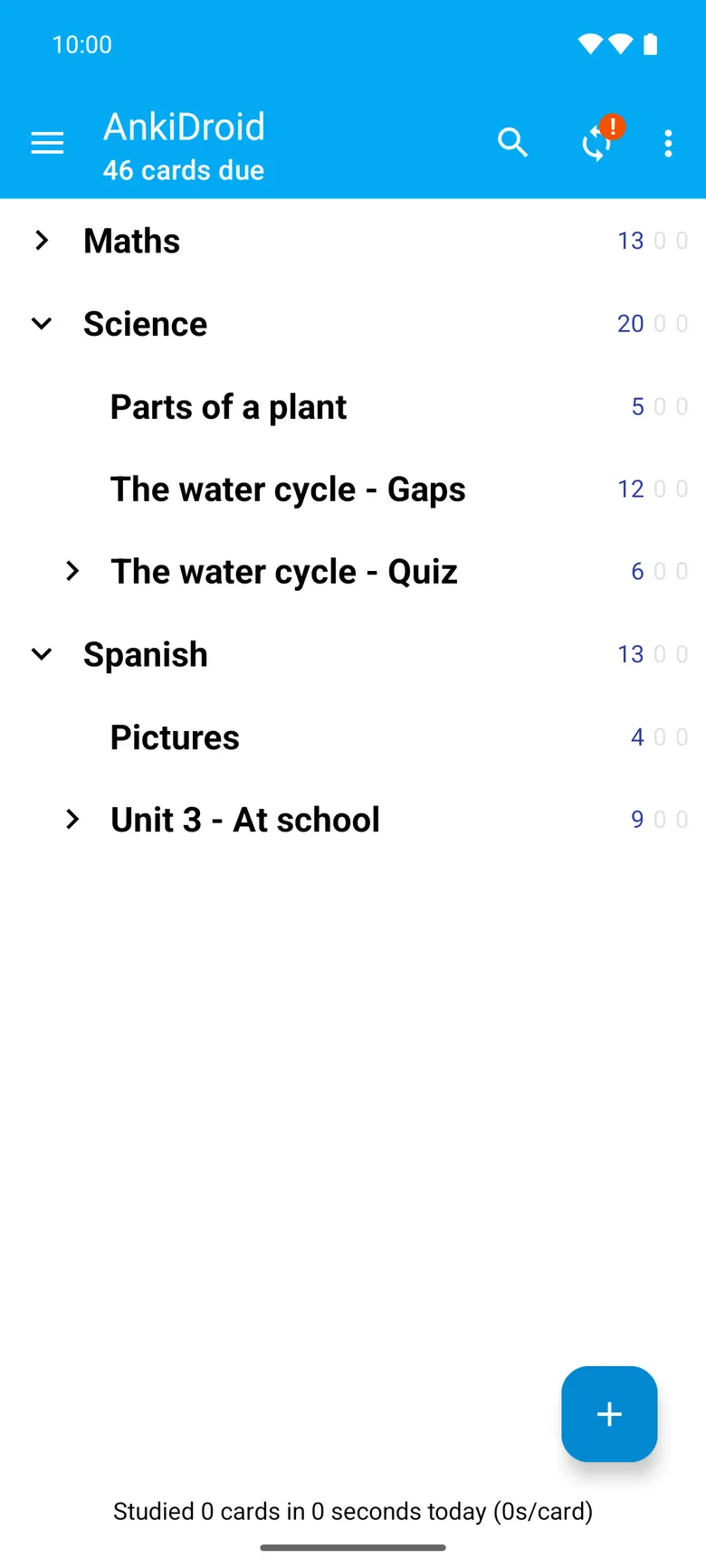
Section titled “Opening AnkiDroid”Open AnkiDroid, at the top of the page and at its foot, opens it in one tap, to review the cards just sent.
Correcting a card from AnkiDroid
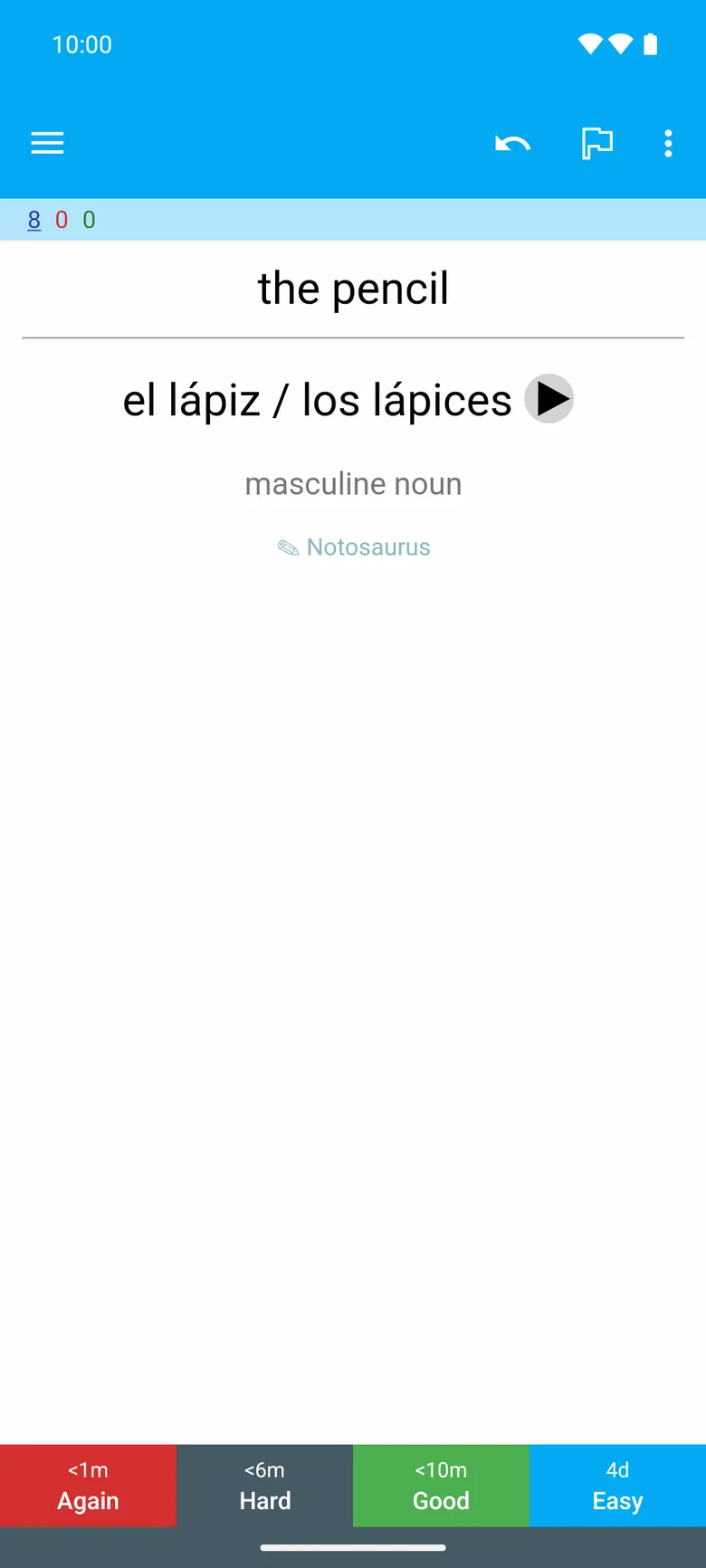
Section titled “Correcting a card from AnkiDroid”Under every answer in AnkiDroid, a small ✎ Notosaurus opens the card in the app to correct it (AnkiDroid first opens a short web page, whose button opens the app). The correction updates the same note: its review history stays. A lesson made with the computer (With your computer) opens on the computer, not in the app.
Up to AnkiDroid 2.25.2, first turn on Settings → Advanced → Allow cards to launch other apps in AnkiDroid: without it, AnkiDroid blocks every link on a card (“Card blocked from launching another app”). From AnkiDroid 2.25.3, links to a web page go through without it.
A test’s filtered deck
Section titled “A test’s filtered deck”A test to prepare gathers cards of several lessons under one tag (see Preparing a test). In its sheet, Open in AnkiDroid opens the test’s cards in AnkiDroid’s browser, whatever their decks; then ⋮ → Create filtered deck → Build (over 100 cards, raise Limit to first). AnkiDroid lets no other app make a filtered deck itself.
Something goes wrong? See Troubleshooting the app.