
Voices and audio
Notosaurus can read the back of each card aloud: handy for languages, to hear the right pronunciation. The audio is included in the deck, so it plays in Anki everywhere, on the computer and the phone, even offline.
Which cards are read aloud
Section titled “Which cards are read aloud”Notosaurus reads aloud the backs in a language being learned: the AI finds that language in the lesson (Spanish from Spain, British English…). A lesson in the pupil’s own language (history, grammar…) has no sound, unless its cards are for writing what is heard (a typed answer, a dictation) or its instructions ask for it (“read aloud”, as By heart does). Notosaurus’s instructions for questions, quizzes, formulas or diagrams have no sound.
At the bottom of a lesson, a line says which voice reads its backs.
Choosing the voice
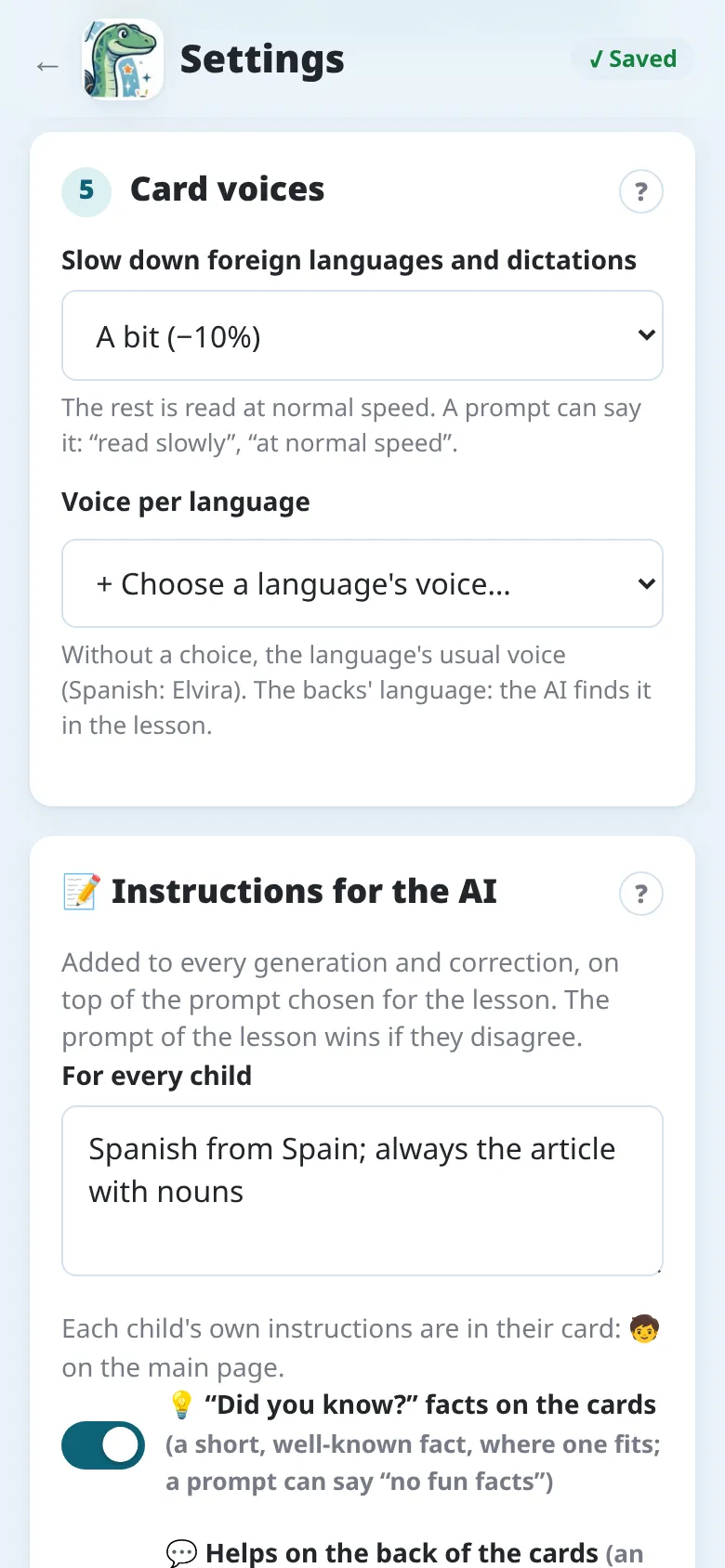
Section titled “Choosing the voice”Without a choice, each language has its usual voice (on the computer: Spanish → Elvira, British English → Sonia…). To prefer another one: Settings → Card voices → Voice per language, then + Choose a language’s voice…: pick the language, then one of its voices, female or male, and Listen to it. The choice applies to the next lessons in that language. The app’s settings have the same section, with its own voices.
Listening
Section titled “Listening”In the review, the Listen to the back button (🔊) of a card plays its back with the lesson’s voice: check the pronunciation before sending the cards.
A lesson is slowed down where it helps: the backs in a language being learned, and dictations (time to write). A lesson in the pupil’s own language (history, French…) is read at normal speed.
Settings → Card voices → Slow down foreign languages and dictations: A lot (−25 %), A bit (−10 %) (the default) or No. A prompt can also say it, for its lessons: “read slowly”, “at normal speed”.
The speed is chosen when the lesson is made and kept with it: its sounds stay alike, even if the setting changes later.
Dictation
Section titled “Dictation”A dictation card has the back heard, then written. The Dictation and Gap dictation instructions make only such cards; for others, say it in their text: “with a dictation”, or “a dictation only”. Automatic makes dictation cards when the page is a dictation to prepare. See Instructions.
Cards without sound
Section titled “Cards without sound”Making the audio needs the Internet:
The voices are Google’s, through the Notosaurus service. See the app’s privacy policy for what is sent.
The voices come from Microsoft’s text-to-speech service, through edge-tts, an unofficial tool. See Privacy and security on the computer for what is sent.
If the voices don’t answer, the cards are sent without sound and the message says how many. Send the lesson again later: the missing audio is added.